Affiliate disclosure: Plugin Parents is reader-supported. Links in this guide go to Amazon and other retailers, and as an Amazon Associate we earn from qualifying purchases at no extra cost to you. Prices aren’t shown here because they change often: use the links to see the current price. Read our full disclosure.
Featured photo: Ethan Llamas / Wikimedia Commons (CC BY-SA 4.0), cropped.
Research-Based Recommendation
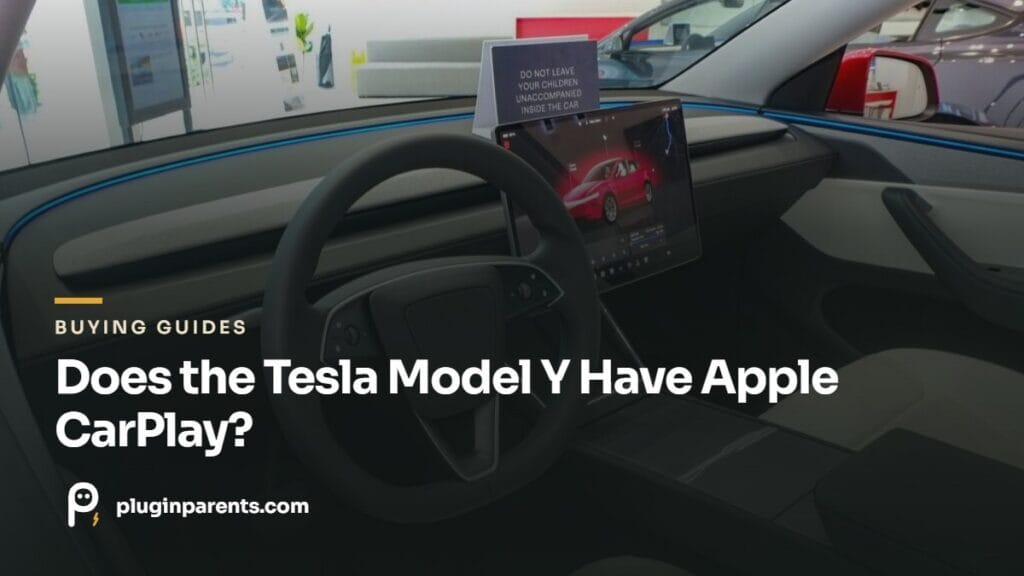
The good news for families: most of what parents actually use CarPlay for is already built in, and the gaps have decent workarounds. Here’s what you lose, what you don’t, and what to do about the difference.
What you don’t lose
- Your music. Spotify, Apple Music, Tidal and TuneIn run natively on the car’s screen, signed into your own account. Because the car streams directly over its own connection, the music keeps playing whether or not your phone is in the car.
- Calls and texts. Your phone pairs over Bluetooth for calls, and recent software reads incoming texts aloud and lets you reply by voice.
- Podcasts and audiobooks. Apple Podcasts and Spotify cover podcasts; for Audible, Bluetooth from the phone works fine, which matters on long drives with kids.
- Your phone as the key. No fumbling for a fob: genuinely better than anything CarPlay offers.
- Navigation. Tesla’s own maps route around traffic and plan charging stops automatically, which Apple Maps and Google Maps still don’t do as well for EVs.
What you actually lose
- Waze. The single most-missed app. Tesla’s traffic routing is good, but Waze’s hazard and police reporting has no equivalent.
- Google Maps interface, if that’s what your family shares pins and addresses through. You can send a destination from your phone to the car through the Tesla app, which covers most of it.
- WhatsApp and messaging apps beyond basic SMS.
- Your phone’s screen mirrored, full stop. Nothing on the Tesla screen shows your phone.
The workarounds, ranked
1. Just use the phone on a mount (what most families do)
A magnetic mount beside the screen gives you Waze or WhatsApp without touching the car’s system, and it’s the option that doesn’t risk anything. The Model Y’s screen bezel and the vents both take mounts; our phone mount guide covers the ones that fit the Juniper without damaging trim, including the MagSafe options.
MagBak Phone Mount and Charger for Tesla
Mounts beside the Model Y screen; magnetic, no vent clips
Spigen Tesla Air Vent MagSafe Mount
Vent-mounted MagSafe alternative, Juniper-compatible
2. Cast audio over Bluetooth
For any audio app the car doesn’t have (Audible, a kids’ story app, your own podcast player) Bluetooth from the phone plays through the car speakers. Simple, reliable, and the rear screen on Juniper cars can still run its own video for the kids at the same time.
3. Third-party CarPlay dongles
Devices exist that add a CarPlay-like interface to a Tesla by running through the car’s browser or a separate screen. We don’t recommend them for a family car: they’re laggy, they can behave unpredictably after Tesla software updates, and anything that plugs into the car’s data port carries a small risk of trouble with warranty claims. If you want Waze, the phone mount is the better answer.
Will Tesla ever add CarPlay?
Through 2026 there have been repeated reports that Tesla and Apple are working on a windowed version of CarPlay, but as of September 2026 it hasn’t shipped and Tesla hasn’t given a release date. But nothing has shipped in any market as of this writing, and Tesla’s whole software strategy points away from it. Treat CarPlay support as a bonus if it ever arrives, not part of your buying decision. If you’re weighing trims, our trim guide for families covers the differences that are real today: including the rear screen, which matters more for kids than CarPlay does.
Frequently asked questions
Does the Model Y have Android Auto?
No, and for the same reason. Android phones pair over Bluetooth for calls and audio, and the Tesla app works on Android for phone-as-key and sending destinations to the car.
Can I use Waze in a Tesla?
Not on the car’s screen. Run it on your phone in a mount. Some owners run Waze through the car’s browser; it works poorly and isn’t worth the distraction while driving with kids in the car.
Does the Model Y Standard have the same system?
Yes. The lower-cost Standard trims drop some hardware (including the second-row screen), but the infotainment system and app selection are the same.
Related guides
Phone mounts and charging · The rear screen for kids · Which trim for your family · Start Here for new owners